
GLB vs OBJ: What's the Difference?
OBJ is a geometry format from 1994 and GLB is a full scene format built for real-time delivery. They differ in what they can store, not just how they store it.
The short answer
This is not a packaging comparison like GLB versus glTF, where both formats hold the same scene data. OBJ and GLB hold genuinely different amounts of information. GLB can represent a complete animated, textured, physically based scene; OBJ represents geometry and a simple material library, and nothing else.
That gap has a direction. Converting OBJ to GLB adds capability and loses nothing, because every OBJ feature has somewhere to go in GLB. Converting the other way discards data, because OBJ has fields for neither animation, nor vertex colours, nor scene hierarchy, nor the metallic-roughness material model.
What each format is
OBJ: a geometry list from 1994
The Wavefront OBJ format is plain text. It lists vertex positions, texture coordinates and normals, then faces that reference those vertices by index, optionally grouped by material. Appearance is defined in a separate .mtl library which references texture image files by path. Three files at minimum, all of which have to travel together.
GLB: a complete scene in one container
GLB is the binary packaging of glTF, a Khronos standard built for real-time delivery. It carries geometry, physically based materials, embedded textures, animations, skins, morph targets and a full node hierarchy — in a single file that cannot be broken by moving half of it somewhere else.
What each one can store
| Capability | GLB | OBJ |
|---|---|---|
| Vertex positions, normals, UVs | Yes | Yes |
| Multiple meshes in one file | Yes | Groups, not separate objects |
| Embedded textures | Yes | No — referenced from an .mtl |
| PBR materials | Yes | No — simple diffuse and specular only |
| Animation clips | Yes | No |
| Skeletal skinning | Yes | No |
| Morph targets | Yes | No |
| Per-vertex colour | Yes | Not written by GLBKit |
| Scene hierarchy | Yes | No |
| Lights and cameras in the scene | Yes | No |
| Human-readable | No | Yes |
The four rows marked No for OBJ are not implementation gaps in GLBKit. They are the format specification. An OBJ file has no field to store an animation clip, so no exporter can put one there.
Appearance: MTL against PBR
Appearance is where the difference is most visible in practice, and it is a difference in model rather than in file format.
A GLB material carries the metallic-roughness workflow: a base colour texture, a metalness value, a roughness value, and optional normal, occlusion and emissive maps. That is what modern renderers expect, and it is why a GLB asset looks the way its author intended under almost any lighting.
An MTL library carries diffuse colour, ambient, specular, shininess and a texture path. There is no metalness, no roughness and no normal map. When you convert a PBR asset to OBJ, the material is translated into what MTL can express — which is roughly the diffuse colour — and the result looks flatter. Nothing failed; the target format simply cannot describe what was there.
This is worth separating from the other common OBJ problem. A model that is flat grey in the viewer is usually a missing .mtl or missing textures. A model that loads with colour but looks less refined than the source is usually the material model difference above.
File structure and size
An OBJ asset is a set of files with relative paths between them. That has two consequences: it breaks when moved apart, and it is verbose. Every material and every texture reference repeats a path string, and geometry is stored as text unless a companion binary form is used.
A GLB is one binary file with textures embedded. For an asset with textures, GLB is usually the smaller complete package despite being binary, because OBJ carries no equivalent of texture embedding and no geometry compression. A bare OBJ with no textures at all can be the smaller file, which is one of the cases where the simple format still makes sense.
Where OBJ still wins
OBJ is not a legacy format to be moved away from. It remains the right answer in several cases.
| Situation | Why OBJ fits |
|---|---|
| 3D printing pipelines | Slicers read triangle meshes directly and need no materials |
| Modelling and sculpting tools | It is a native import and export format for many of them |
| Academic or archival data | Plain text is inspectable, diffable and tool-independent |
| Sharing geometry for someone to edit | Opens in almost any editor without a scene concept to unwrap |
| Very small, untextured meshes | A bare OBJ can be smaller than the equivalent GLB |
For printing in particular, OBJ's limitations are irrelevant: a slicer cares about triangles and nothing else.
Interchange and portability
Both formats travel between tools, but they fail differently in transit, which matters when a file has passed through several applications before reaching you.
| GLB | OBJ | |
|---|---|---|
| What moves between tools | Scene: meshes, nodes, hierarchy, PBR materials, animations | Geometry: positions, normals, UVs, and an MTL material list |
| Materials on arrival | PBR values survive if the exporter wrote metallic-roughness | Often degrade to simple diffuse values on the way through |
| Typical failure in transit | Structure preserved but a missing texture shows as a blank slot | Materials silently lost, leaving a uniformly grey model |
| Recovering appearance later | Re-export from source, since values are baked into the file | Usually not recoverable — the original material data is gone |
| Round-tripping repeatedly | Mostly stable, with minor material re-interpretation each pass | Degrades visibly; each pass can lose shading detail |
That asymmetry is the practical argument for keeping a GLB or the original source file rather than treating OBJ as an intermediate. An OBJ that has been round-tripped through three tools may still have correct geometry and look nothing like the asset you started with.
If you need to move an OBJ into a modern pipeline, treat it as geometry input and reassign materials in the destination tool. The Convert panel performs that conversion, and the conversion guide covers what does and does not survive it.
Where GLB wins outright
GLB wins outright anywhere appearance, animation or structure matters.
- Web, AR and VR delivery, where a single file removes a whole class of loading failures.
- Any animated asset, since OBJ cannot represent a clip at all.
- Character models with rigs, skin weights or blend shapes.
- Anything authored with physically based materials, because OBJ has no metalness or roughness and no normal maps.
- Scenes with meaningful hierarchy, lights and cameras rather than a flat list of groups.
If your asset has materials with intent behind them, or moves, or needs to arrive intact on someone else's machine, GLB is the format that carries that intent.
Converting between them
The direction matters more than the operation. Both run in the browser in GLBKit, and both are listed in the Convert panel once a model is loaded — but only one of them is a lossless upgrade.
| Direction | Keeps | Loses |
|---|---|---|
| OBJ to GLB | Everything — GLB can represent all OBJ data | Nothing |
| GLB to OBJ | Geometry, normals, UVs, basic MTL materials | Vertex colours, animation, skinning, morph targets, hierarchy, PBR maps |
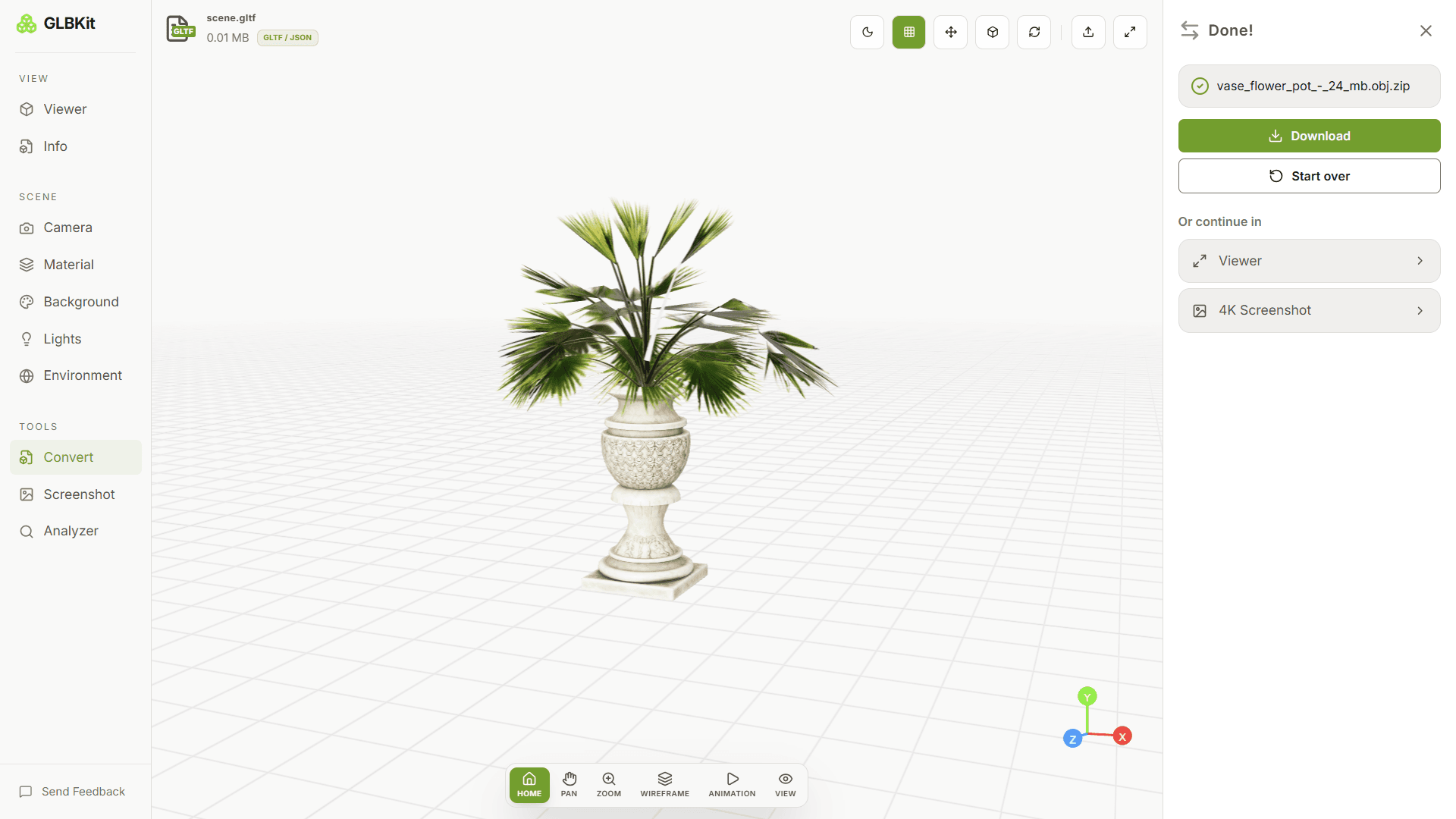
When converting an OBJ into GLBKit, upload the .obj, its .mtl and its texture images together as a .zip so the material references resolve. Converting an .obj on its own produces a grey model and gives no indication that anything was missing. Use the OBJ to GLB converter when you are going that way.
FAQ
Is GLB better than OBJ?
For anything beyond a static mesh, yes. OBJ stores geometry and an optional material library; GLB stores a full scene with PBR materials, embedded textures, animations, skins and a node hierarchy. OBJ remains the right choice when a toolchain requires it or when you need a trivially simple file.
Why is my OBJ grey in GLBKit?
Almost always because the .mtl file and the texture images were not uploaded with the .obj. Geometry loads on its own, but appearance is defined separately. Select the .obj, the .mtl and the textures and upload them together as a .zip, and the materials resolve.
Does OBJ support animation?
No. The Wavefront OBJ specification has no concept of animation, keyframes or a time axis. Animated assets have to move to a scene format such as GLB or glTF, which carry animation clips.
Can OBJ store vertex colours?
Not in the form GLBKit writes. OBJ carries vertex positions, normals, texture coordinates and face groups, plus MTL materials — but no per-vertex colour channel. If per-vertex colour matters to your asset, PLY is the format that carries it.
Which is smaller, GLB or OBJ?
It depends on what the OBJ contains. A bare OBJ with no textures is small, and an OBJ plus its .mtl plus its images can easily exceed an equivalent GLB, because OBJ duplicates path information across every reference and offers no compression for geometry. For an asset with textures, GLB is usually the smaller complete package.
Can I convert OBJ to GLB without losing quality?
Yes, and the direction matters. Going from OBJ to GLB only adds capabilities — GLB can represent everything an OBJ can — so nothing is lost. Going the other way discards vertex colours, animation, skinning and scene hierarchy, because OBJ has nowhere to put them.
Is OBJ still used?
Yes, widely. It remains the interchange format for 3D printing, for sculpting and modelling tools that export it, and for academic and archival data, largely because it is simple, text-based and universally readable. Its simplicity is also its limitation.
What does an OBJ file actually contain?
A list of vertex positions, texture coordinates and normals, followed by faces that reference those vertices by index, optionally grouped by material. It is a plain text format you can open in any editor, and that readability is its main enduring advantage.
Does OBJ support PBR materials?
No. The MTL library describes diffuse colour, specular and related simple properties, not the metallic-roughness model that GLB uses. This is why a PBR asset converted to OBJ tends to look flatter than the original, even when nothing failed during the conversion.
Can I open both formats in GLBKit?
Yes. Both open in the same workspace and render through the same pipeline, so you can compare them directly. Upload the OBJ as a zip with its .mtl and textures, and the two will appear side by side under identical lighting.
Related guides
Compare them yourself
GLBKit renders both formats through the same pipeline. Upload an OBJ as a zip with its materials, then convert it to GLB and compare the two under identical lighting.